The textures showing up twice in Unity reproduces with the boat.gltf Rob sent
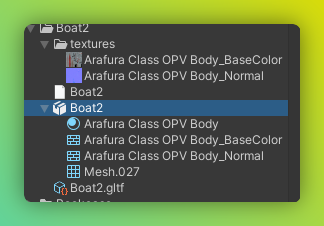
That’s the one, that project linked is the one I was repro’ing with
by user 103054507105067008
My best guess right now is that it’s related to the textures being in a subfolder instead of next to the glTF
That doesnt seem to change it (changed folder + path in gltf + reimport)
I’ll take a look.
I’m doing a little screen record to prove I’m not going mad  I found that it seems to be on initial import with UnityGLTF, if it doesn’t make a Needle Asset Settings file next to the GLTF+Separate file imported, the textures all come out as 4k. If I unfold the GLTF in project view and select all textures > set import settings texture size 2048 x 2048 and compression: Automatic, then the production build has correct size textures. The issue here is that the textures are separate in a subfolder and they are not being used/their import settings are ignored. UnityGLTF is only looking at the embedded duplicates of the textures in the file for the max size
by user 103054507105067008
https://drive.google.com/file/d/16imJnsOtifE-NZoXq_v4vLr5fB18wrUR/view?usp=share_link
by user 103054507105067008
E.g. texture there ‘Arafura Class OPV Body_BaseColor’ is used from the UnityGLTF embedded version and not the separate version from the /textures/ subfolder
by user 103054507105067008
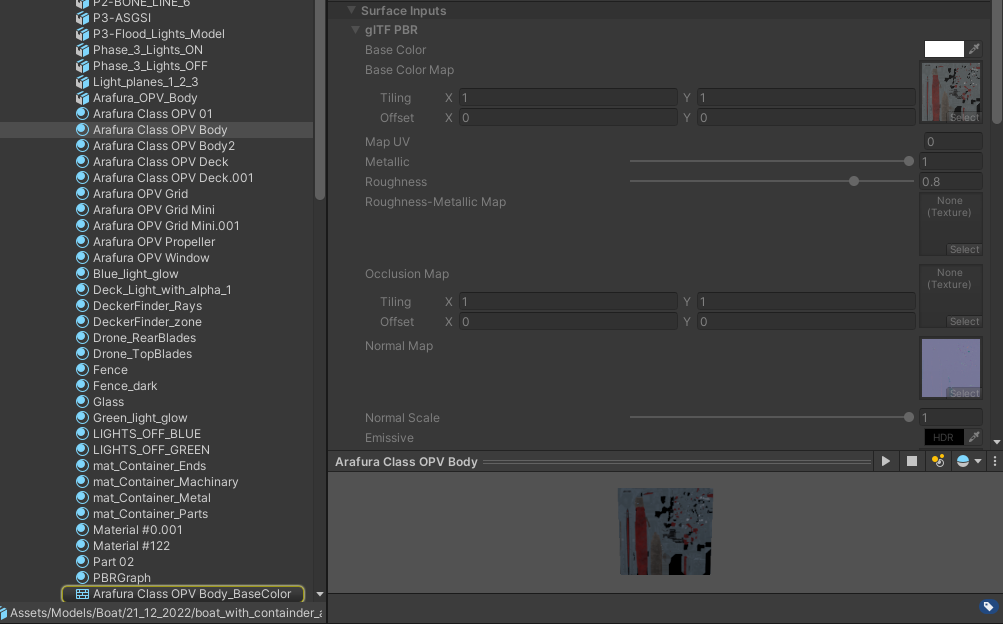
Yes then you have to change the settings on the embedded texture
Why is it treating some of the textures as embedded though?
by user 103054507105067008
I think the whole problem comes down to: textures exist twice and its confusing which material uses which texture
A bug in UnityGLTF I assume. Let’s wait for the fix there
It shouldnt be like that as Felix said
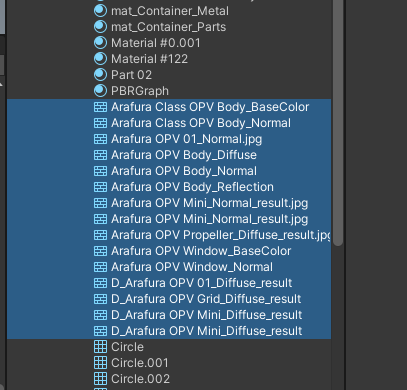

Yes, we will fix that with the next version (I hope)
Thanks, sorry for the long haul on here investigating this  your help is appreciated
by user 103054507105067008
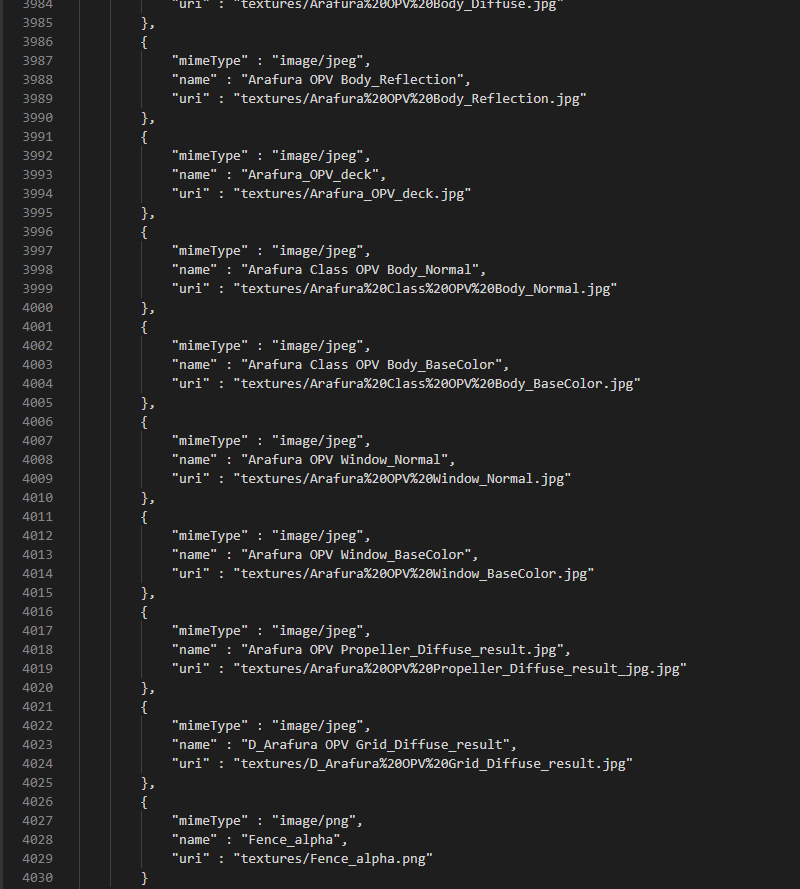
I was suspicious of the long texture filenames, sometimes turbosquid models or others have lots of weird texture names 
by user 103054507105067008