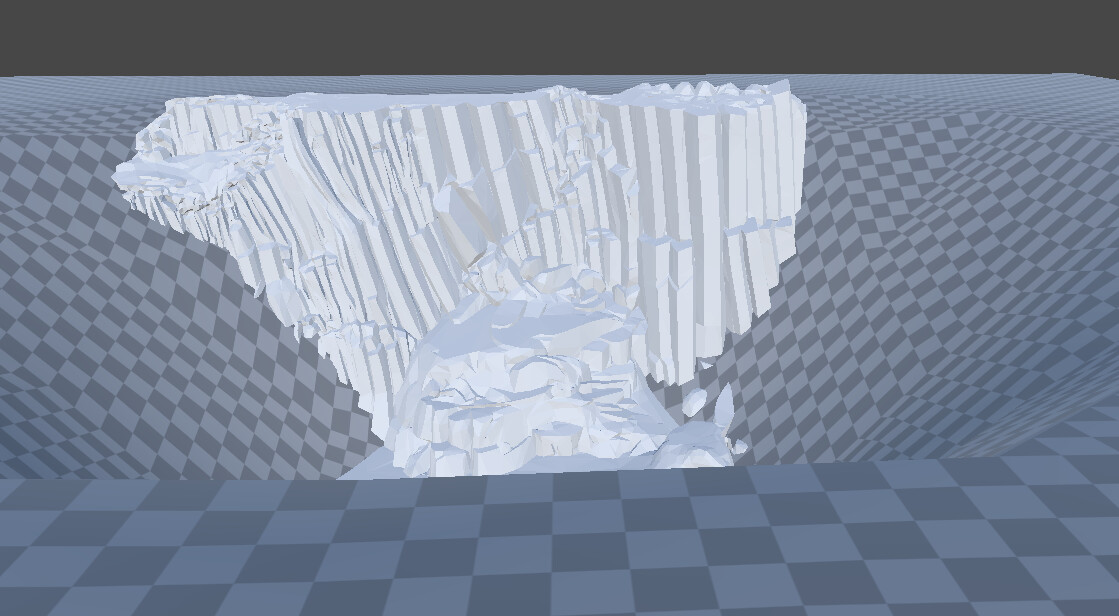
In AR, the lowest point (vertex) is always lifted onto the detected AR projection surface. This is generally good, but I want to view a mining area, for which the geometry needs to be less than zero. I would appreciate any tips.
I’m sorry, I couldn’t find a response but notified the team 
Hi, you can add a WebARSessionRoot to your scene. The position of the WebARSessionRoot (if present) determines the center/scene identity and orientation of the content in AR.
Make sure you disable auto-center in the WebXR component too.


Hi! There’s two things:
-
You can overcome the positioning rules of QuickLook with animations. From my tests, the default placement pose is based on the lowest point during the first second or so of the stage; so you can basically start with an object scaled to almost zero (don’t use exactly zero, QuickLook doesn’t like that) and then make it appear where you want after a short moment.
-
That being said, please be aware that iOS devices with LIDAR will do automatic depth occlusion and that can’t be turned off – which means that content placed under the ground will be occluded on devices that have LIDAR. There is no way (that I know of) to turn this depth occlusion off, unfortunately (I would love if there was, so if you’re aware of a USDZ file that turns it off please let us know!)
Hope that helps!