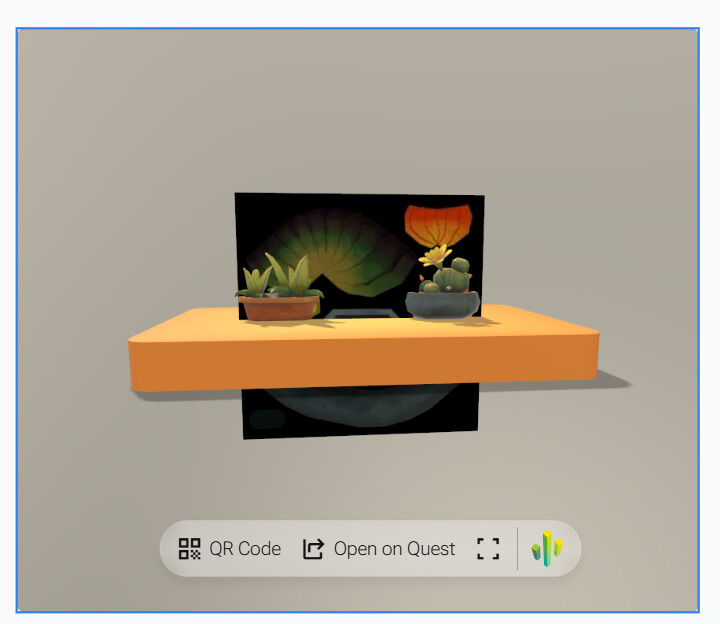
I’m developing a react web app. I got a requirement to make needle-engine to dynamiclly load scenes when users drag their own glb or gltf or an asset folder to needle-engine ui element.
I tried to save user’s files into indexDB.For single model it was fine, but for glb with dependencies like images, fonts, needle-engine can only load the glb set in src property but without any images,fonts.Because needle-engine loads the dependencies by a http request to static assets.Then I tried to use onCreateCustomModelLoader to custom the way of loading assets but i failed to write it out.
Then I tried to localhost dist folder in generated project and set src to the asset server. It is fine for the src resource but when needle-engine requests for depencies it still uses the localhost:3000(where i start my vite dev server).In the end, i configured vite server proxy to rewrite the request path to asset server to solve this problem.
If needle-engine supports compacting everything in the scene into one single glb file this will be much easier without considering how to resolve the dependency file loading problem.Or if there is already a config to set? I tried to find it in the docs but i failed.
Any help pls?Thanks.
I’m sorry, I couldn’t find a response but notified the team 
Hi @GeniusGogoing
Fonts and Audiofiles are currently stored externally. Images are packaged inside the glTF unless they’re referenced using an ImageReference field.
When a user drags a model on your UI element wouldnt it be sufficient to capture the Files that are dropped (e.g. a folder which contains glTF files + dependencies) ?
Thanks for your reply!
At first, I thought capture the folder would be sufficient.I captured the folder, gather together as src input.But the cant load depency correctly.
This is my assets folder to drag.
// create url for every asset
for (const file of supportedFiles) {
        const relativePath = file.webkitRelativePath || file.name
        const blobUrl = URL.createObjectURL(file)
        blobUrlMap.set(relativePath, blobUrl)
        blobUrlsRef.current.push(blobUrl)
        allBlobUrls.push(blobUrl)
}
Then I set allBlolUrls to src.
That’s what i got in the web. Notice that the fonts are not shown.
And it should be:
Any advices?
Looking forward to hearing from you. Sorry about the long-winded posts , it says i’m not allowed to upload more than one media per post for i’m new here.
You need a way for three.js to resolve the original file URL to the blob url.
Here’s a little bit of code from Needle Cloud (not complete, you need to modify it for your project)
import { DefaultLoadingManager } from "three";


let files: FileWithPath[] = [];

export const activeFiles = writable<FileWithPath[]>([]);
activeFiles.subscribe(newFiles =>  {
    files = newFiles;
});

export function onFilesDropped(newFiles: FileWithPath[]) {
    activeFiles.set(newFiles);
}

export function init() {
    DefaultLoadingManager.setURLModifier(url => {
        if (url.startsWith("blob:")) {
            const file = files.find(file => url.includes(file.name));
            if (file) {
                return URL.createObjectURL(file as any as File);
            }
        }
        return url;
    });
}