Hi,
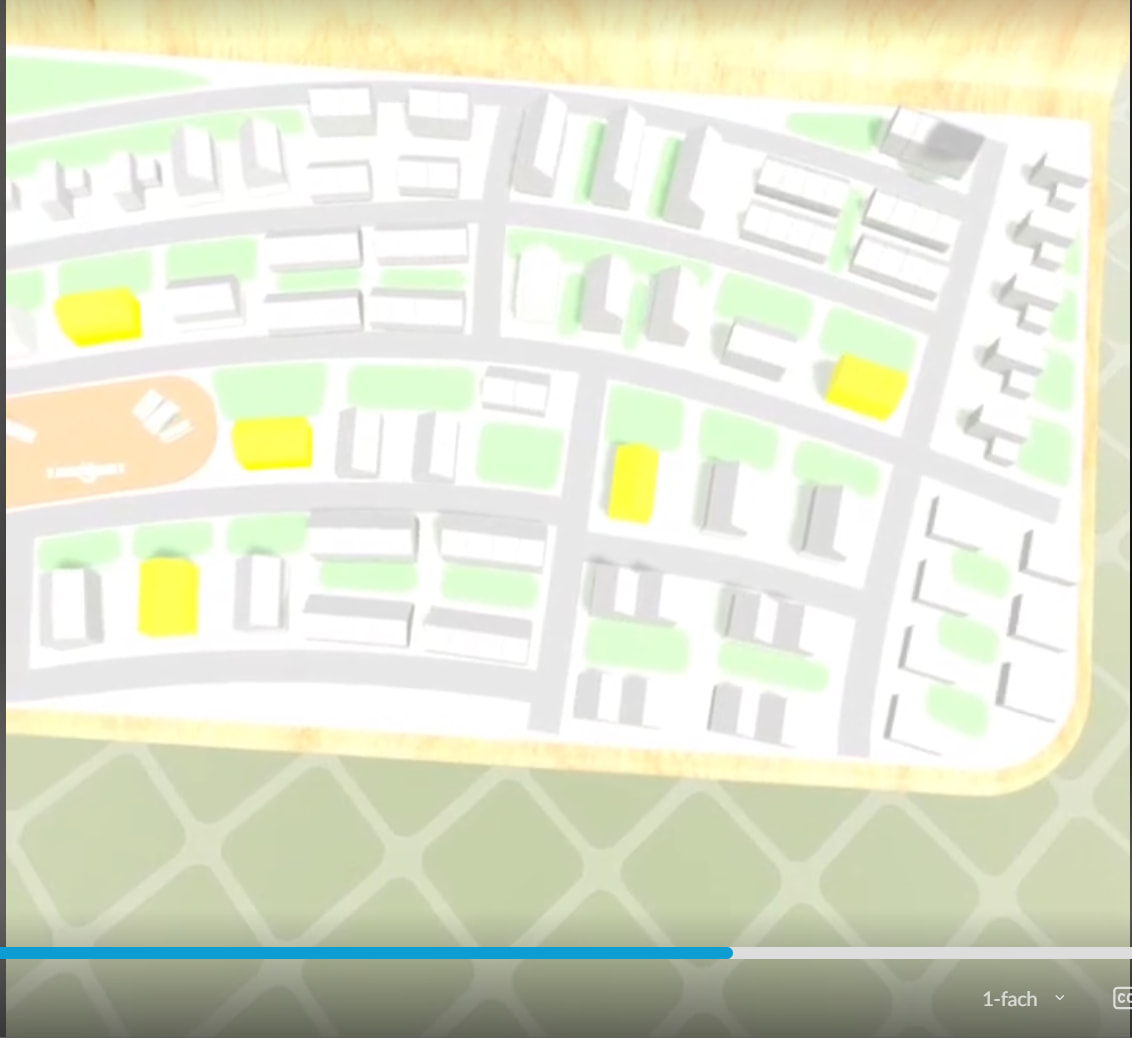
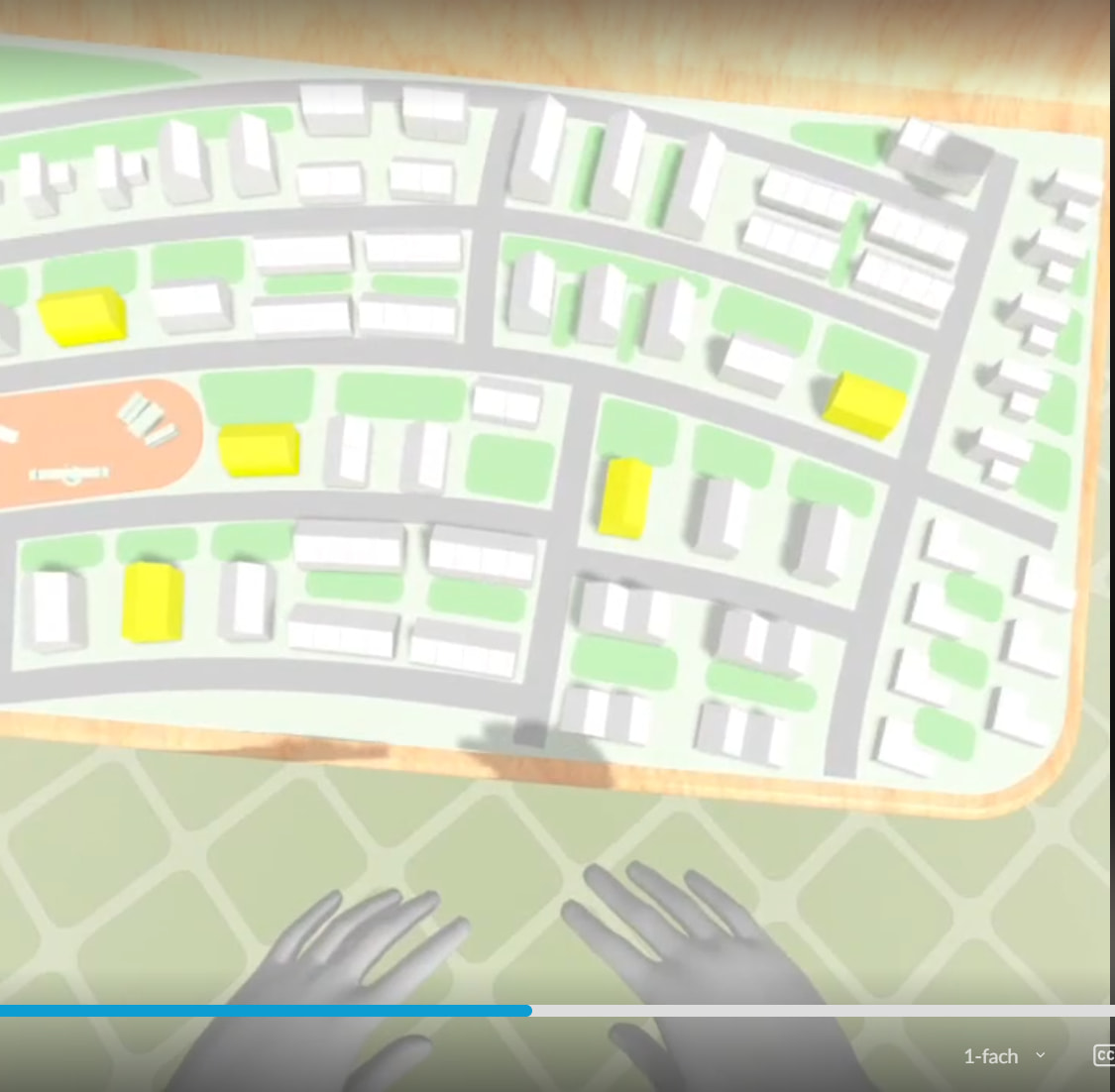
In one project I noticed that when my hands are not visible in the vr scene (for example because I hold them a bit lower or behind my back), the lighting changes ( I will attach two screenshots).
I turned all other objects off, places a cube with a simple lit material, postprocessing off, turned back the standard skybox, but the issue is still there.
Do you have a tip, how to investigate this further?
Check if you have auto-exposure (eye adaptation) enabled in your environment settings. When hands (different luminance) leave the view, the exposure may adjust, making the cube appear brighter or darker. Disable it to test.
Also verify your main light’s shadow settings – three.js has a known issue where shadow intensity can’t be changed (context #1). If shadows are culling differently when hands vanish, that could shift perceived lighting.
If that doesn’t help, share the deployed scene URL – easiest way to inspect the exact lighting setup.
Sources: Needle Engine Docs (63%)
4 replies left
Reply to this post directly if you need further help (bottom right button)
here is the URL with a scene (for VR)
https://mehr-lebeben-vr_shadowproblem-1chvlr2hbufi-2hbufi.needle.run/
This is likely caused by auto-exposure (eye adaptation). When your hands leave the view, the camera sees a different average luminance and adjusts exposure, making the scene appear brighter/darker.
Turn off auto-exposure in your post-processing volume or environment settings to test.
If that’s not it, share your deployed scene URL so I can inspect the actual lighting setup directly.
Sources: Needle Engine Docs (69%)
3 replies left
Reply to this post directly if you need further help (bottom right button)
I am not using postprocessing.
Where exactly in Environment settings can i turn off the auto-exposure?
The auto-exposure (eye adaptation) isn’t in the Environment settings — it’s part of post-processing. Since you say you’re not using post-processing, the brightness shift likely comes from something else.
In Unity, check the SceneLightSettings component on your scene root (or the Needle Engine settings object). There’s an Exposure Multiplier field — set it to 1.0 and see if it stabilizes.
If that doesn’t help, look for any script that changes Camera.physicallyBasedCamera or exposure based on controller visibility — it’s not a built-in feature.
Can you share the static scene URL (not VR‑only) so I can inspect the actual settings? That’s the fastest way to pinpoint the cause.
Sources: Needle Engine Docs (57%), Needle Engine Docs (57%)
2 replies left
Reply to this post directly if you need further help (bottom right button)
https://mehr-lebeben-vr_shadowproblem-1chvlr2hbufi-2hbufi.needle.run/
Hey Katja, thanks for sharing your scene. The brightness shift you’re seeing when your hands leave the view is most likely auto-exposure (eye adaptation) — not from post-processing, but from the browser/device itself. Quest’s built-in camera pipeline can automatically adjust brightness based on what’s visible.
Try these two things:
- In Unity, check for a
SceneLightSettings component on your scene root and set Exposure Multiplier to 1.
- Next time you rebuild, add a
PostProcessingVolume with Auto Exposure disabled to override the browser’s behavior.
If neither works, could you share the static (non-VR) scene link so I can inspect the settings directly? That’d make diagnosis much easier.
Sources: Needle Engine Docs (68%), Needle Engine Docs (68%)
1 replies left
Reply to this post directly if you need further help (bottom right button)
Hey Katja,
have tried to reproduce it on latest stable NE 5.1, but without success. Could you try to update Needle Engine and report back if this is still an issue?
Hi @Robert_Dorn , thank you for looking into it!
I updated needle to 5.1.9, but the problem is still there.
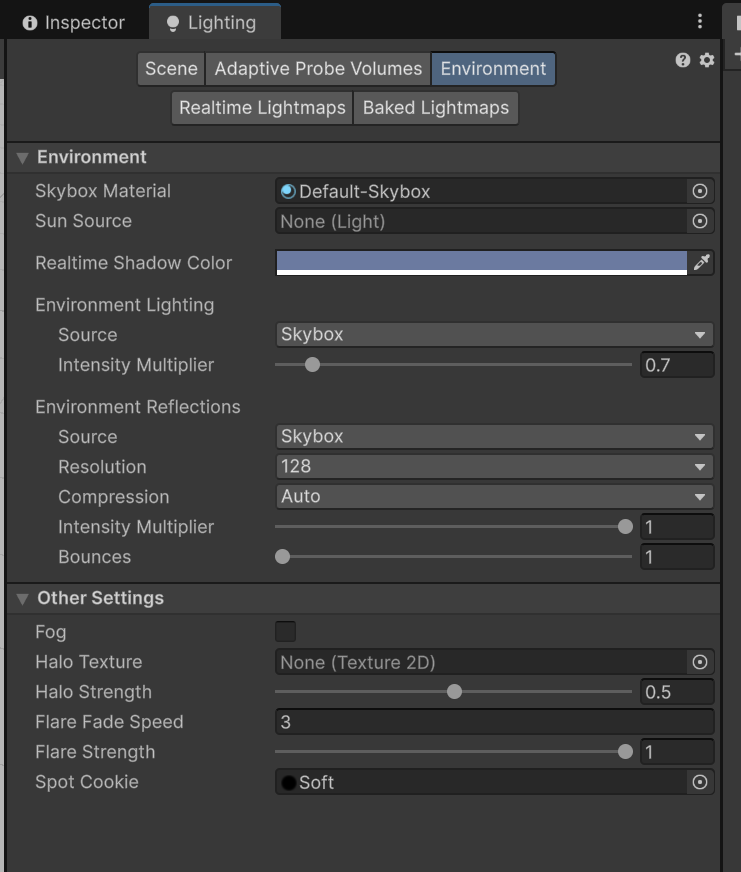
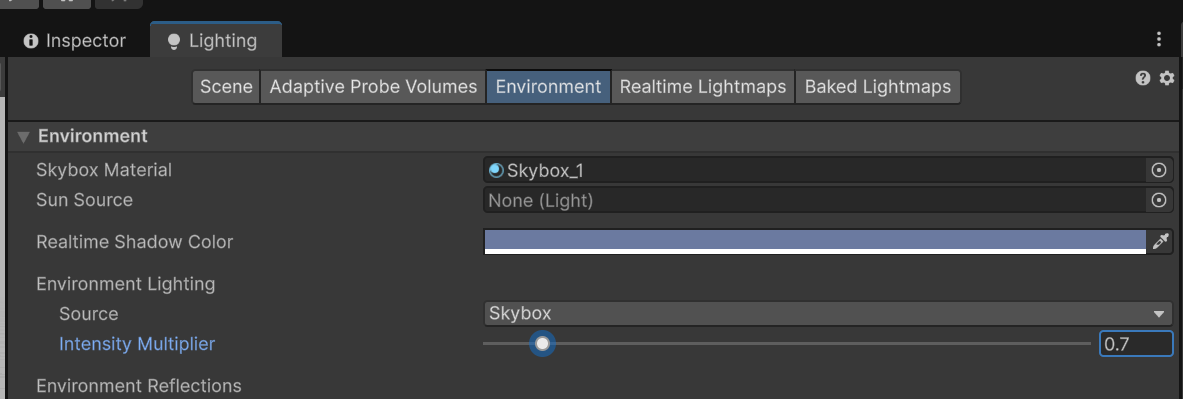
What i noticed: my current Intensity Multiplyer is set to 0.7. When I set it back to 1, the lighting problem disappears. It looks like, when the hands are not visible, the Intensity Multiplyer sets itself to default 1 value..
The problem is - i can not reproduce it in a empty scene, even when I set the same Lighting and Directional Light setting. If you want, I can send you my scene via bug report.
ah… yeah, this is a very good clue! now i get this reproducable 
hey, can you update to 5.1.10? should be fixed
Tried it out ib VR today - it works! Thank you @Robert_Dorn !