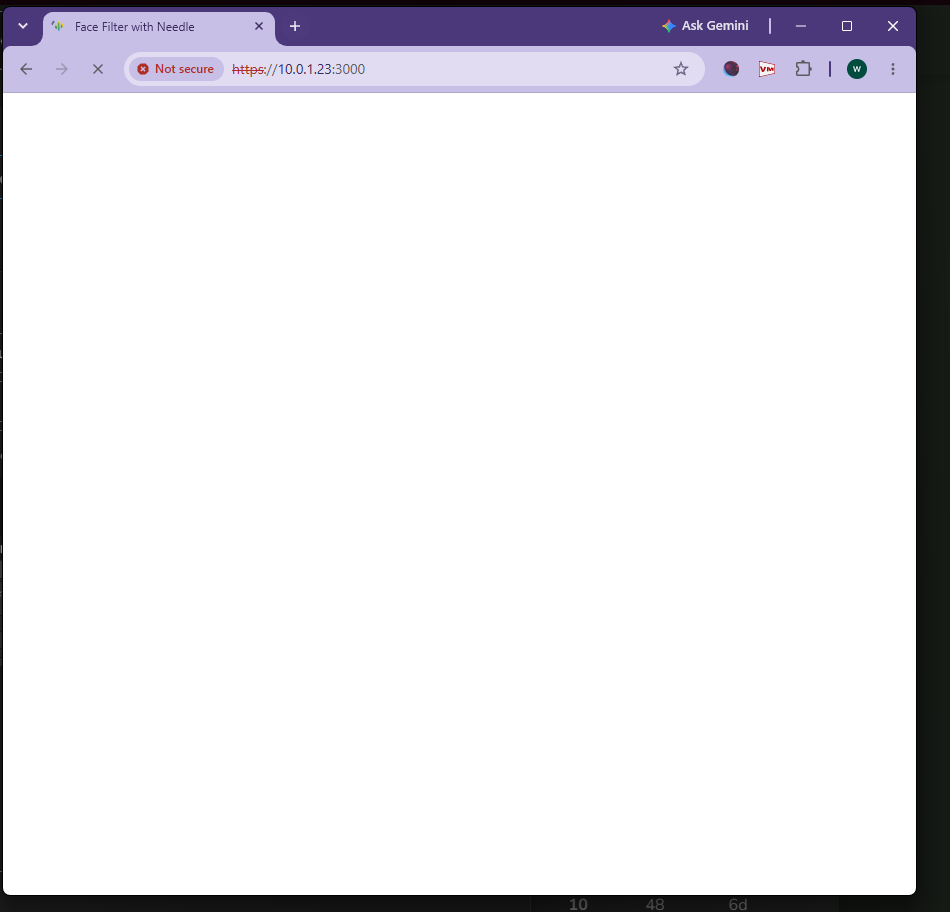
Hello I am new to needle and I have been trying to load the example sample for the unity face filter for a uni project.
However I am stuck on this white screen forever loading.
This is also the case for localhost:3000.
Things to note are:
-
I am using the non-commercial license.
-
I am using unity version 6000.0.82f1.
-
I downloaded the Needle package from the needle tools unity guide.
-
I have deleted com.needle.face-filter-1.0.0-beta.12
in C:\Users\name\My project\Packages but kept the below 1.0.4 version.
-
I updated to the 6.0.0-alpha.3 version of the needle and unity engine while trying to troubleshoot.
-
I am using node v22.20.0
-
I have tried using OperaGX and Chrome but both have the same issue.
-
I am not using a vpn or any proxy.
-
I am connected to my router via an ethernet powerline adapter.
-
I have reinstalled Unity 3 times.
-
I can’t paste the entire console log but here is the only error:
Saving Prefab to immutable folder is not allowed: Packages/com.needle.face-filter/Examples/Alien Face Mask.prefab
UnityEditor.EditorApplication:Internal_CallUpdateFunctions ()
There are many npm warns above this and if it helps I can provide the screenshots.
Here is the cmd console log:
> my-needle-engine-project@1.0.0 dev
> vite --host

[needle-reload]
Build directory: dist
[needle-defines]
Needle Engine Version: 6.0.0-alpha.3 Unity 6000.0.82f1, Needle Engine Integration @6.0.0-alpha.3
[needle-editor-sync]
@needle-tools/editor-sync is not installed: Add the "Needle Editor Sync" component to your scene if you want to send changes directly from the Unity Editor to web app
[needle-identifier]
INFO: Fetching project identifier...
[needle-dependencies]
Adding @sparkjsdev/spark to the optimizeDeps.exclude array to support workers.
three-examples core dirs: controls, exporters, geometries, helpers, interactive, libs, lights, lines, loaders, objects, renderers, shaders, utils, webxr
Vite 8+ detected
[needle-license]
INFO: Fetching license...
INFO: Successfully received "BASIC" license
[needle-ai]
Installed for 1 agent: Codex / Universal (22 reference files downloaded)
[needle:dts-generator]
Discovered 1 GLB(s):
  C:\Users\Winso\My project\Library\Needle\Sample\assets\Needle Face Filter Examples.glb
up-to-date → .\node_modules\@needle-tools\engine\.needle\generated\needle-bindings.gen.d.ts
[needle-copy-files]
Clearing target directory "dist/assets"
Copying assets: assets → dist/assets
Include: include → dist/include
Copied files: 18, 22.79 MB
[needle-dependency-watcher]
Watching project C:\Users\Winso\My project\Library\Needle\Sample\package.json

  VITE v8.3.1  ready in 8168 ms

  ➜  Local:   https://localhost:3000/
  ➜  Network: https://10.0.1.23:3000/  Ethernet 2
  ➜  press h + enter to show help
7:33:35 pm [vite] (client) [optimizer] bundling dependencies...
Thank you for the help and kind regards to Needle dev team and community helpers.
That prefab error is the clue — you’re not hitting a loading bug, Unity is failing to save the sample. The face-filter examples live inside the read-only package folder (Packages/com.needle.face-filter/Examples/...), so nothing gets written and the scene never properly exports — you just get the blank loader.
Drag the example scene out of the package into your project’s Assets folder and re-export.
One more thing worth fixing: you bumped Needle to 6.0.0-alpha.3 but kept face-filter 1.0.4 — those aren’t a matched pair. Go back to the stable engine release that matches your face-filter version.
Still blank after a clean re-export? Send a bug report (Needle Engine > Report a Bug) or a URL — the white screen alone doesn’t show the real runtime error.
Sources: Needle Engine Docs (64%), Needle Engine Docs (63%), Needle Engine Docs (61%), Needle Engine Docs (60%), Needle Engine Docs (60%), Needle Engine Docs (57%), Needle Engine Docs (57%), Needle Engine Docs (56%), Needle Engine Docs (55%), Needle Engine Docs (55%)
1 replies left - Become PRO for more replies.
Reply to this post directly if you need further help (bottom right button)
Hi all, I’m posting an update for how I resolved the issue in case it help others, and in case the sample or templates could be updated.
Setup
- Windows, Unity 6000.0.82f1, Node v22.20.0, BASIC (non-commercial) license
- Web project in Library/Needle/Sample
- Face filter: Unity side uses the local tarball com.needle.face-filter-1.0.0-beta.12.tgz (the registry returns an authentication error for com.needle.face-filter). Web side: @needle-tools/facefilter 1.0.4 from npm.
Symptoms and causes
-
Infinite white screen on engine 5.1.14 / 6.0.0-alpha.3 with Vite 8
The dev server stopped at “bundling dependencies…” and the page never loaded. The default sandbox worked. I didn’t find the exact cause. It went away after I moved to the combination below.
-
Build error on engine 5.1.14: “hasProLicense is not exported”
This appeared when building with the facefilter package, so it looks like a version mismatch between the facefilter package and the engine. It disappeared on engine 4.10.2.
-
Unity kept resolving the engine to 5.1.2
com.needle.engine-samples 1.5.1 depends on com.needle.engine-exporter 5.1.2, which overrode my manifest.json entry of 4.10.2. I had to remove com.needle.engine-samples from Packages/manifest.json, delete Packages/packages-lock.json and reopen Unity.
-
Build error on engine 4.10.2 with Vite 8: “Failed to convert builtin plugin ‘ViteAlias’”
Fixed with: npm i -D vite@7 (7.3.6). The FAQ currently says recent engine versions need Vite 8+, which seems to be true for 5.x but not for 4.10.2.
-
Runtime errors on engine 4.10.2 / Vite 7
-
ReferenceError: Cannot access ‘_ShaderToyFaceFilter’ before initialization
-
TypeError: Cannot read properties of undefined (reading ‘__internalAwake’)
-
warnings about “@serializable without a target” and “Unknown components in scene”
My tsconfig.json already had experimentalDecorators: true, but the facefilter package ships TypeScript source (main: index.ts) under node_modules, and my guess is the project tsconfig isn’t applied to those files, so the decorators were compiled incorrectly. Setting tsconfigRaw directly in vite.config.js fixed it:
  esbuild: {
    tsconfigRaw: { compilerOptions: { experimentalDecorators: true, useDefineForClassFields: false } },
  },
  optimizeDeps: {
    esbuildOptions: {
      tsconfigRaw: { compilerOptions: { experimentalDecorators: true, useDefineForClassFields: false } },
    },
  },
Working combination
- @needle-tools/engine 4.10.2 (Unity package and npm)
- Vite 7.3.6, @vitejs/plugin-basic-ssl 2.3.0
- @needle-tools/facefilter 1.0.4 (npm), Unity face-filter package from the local beta.12 tarball
- Needle Engine Samples package removed
- tsconfigRaw added to vite.config.js as above
With this the camera permission prompt appears and the face filter runs.