When I try to use the AI Chan inside the inspector (since yesterday) I get the following error.
I am logged in a pro mempership and the inspector also shows the correct team.
Is there something i can do?
ERR ChatAI: Failed to get access token for ChatSession
error @ editor.js:17
editor.js:17 ERR Failed to get access token from Chrome extension: Failed to get Needle access token: 403 - {“error”:“You cannot create a token with permissions you do not hold: read:ai-chat, write:ai-chat”}
This 403 means your Needle Cloud account doesn’t have the read:ai-chat and write:ai-chat permissions your Pro membership should grant.
First, go to cloud.needle.tools/team#ai and check that AI Chat is enabled for your team. If you’re not the team admin, ask them to verify your role includes AI access.
Then log out of Needle Cloud and the Inspector, restart the MCP server (npx needle-cloud start), and log back in. If it still fails, open a bug report from the Inspector (three dots menu → Report Bug) or drop a message in the forum discussion — include your team name and the exact timestamp so the team can check your token permissions.
Sources: Needle Engine Docs (61%), Needle Engine Docs (58%), Needle Engine Docs (54%), Needle Engine Docs (54%), Needle Engine Docs (53%)
4 replies left
Reply to this post directly if you need further help (bottom right button)
Hello Katja,
Thanks for reporting.
Could you check the role in your team on Needle Cloud and make sure you’re using the same account when you sign-into Needle Inspector? The error suggests that you might be using an account with guest permissions only.
I’ll check if there’s something fishy on my end but been using the ai chat here a few times today already without an issue as well.
Hi Marcel, thanks for looking into it.
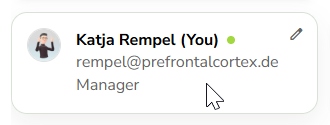
My role at pfc-team is “Manager”.
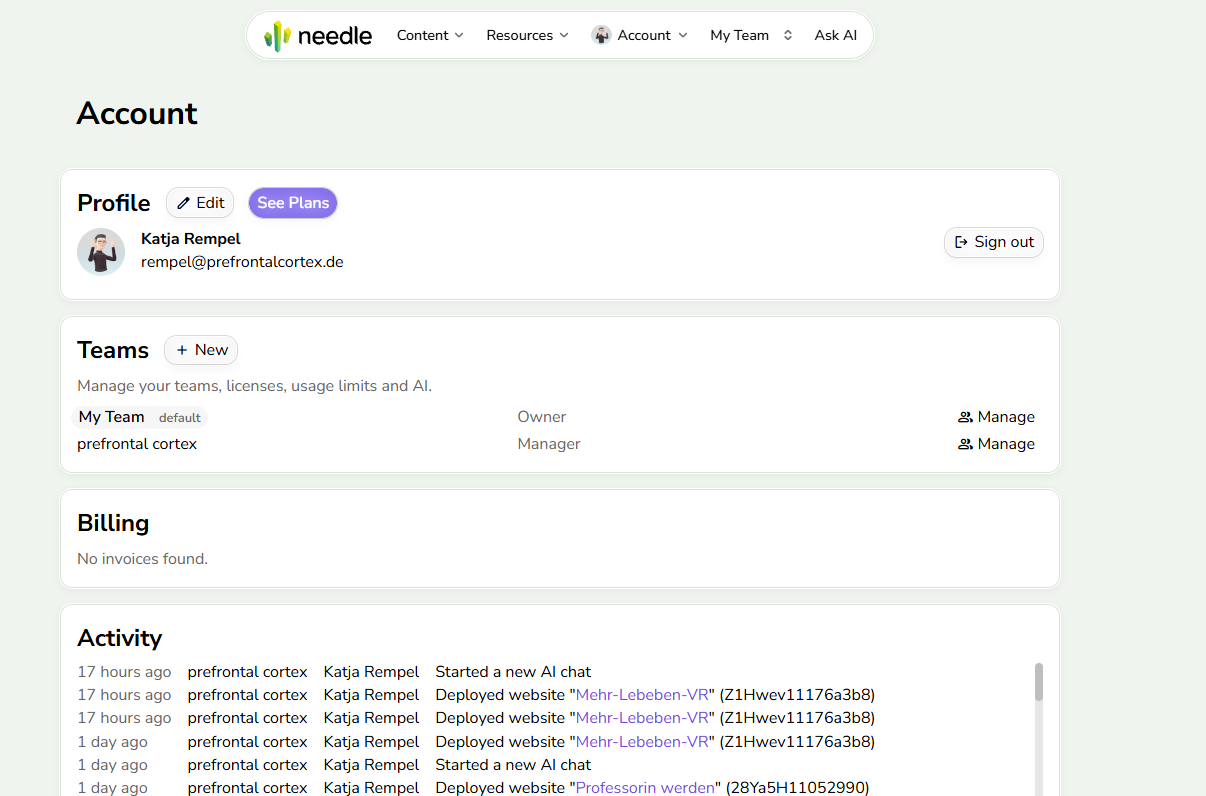
That being said, there are two accounts connected with my mail - my “privat account” with Basic and my work-account (pfc-team). But I thought as long as I select the right account in Inspector it should be fine.
Yes in the inpsector you need to be signed-in with your work account and select the pfc team then.
I think i found the issue causing this. I’ll let you know when it’s fixed, thanks again
Hi @Katja_Rempel could you please try again? Thank you!
Yes, it is working now! Thanks!