Hi everyone,
we are currently working with Needle Engine in Blender and are trying to place a point cloud on an image marker in AR.
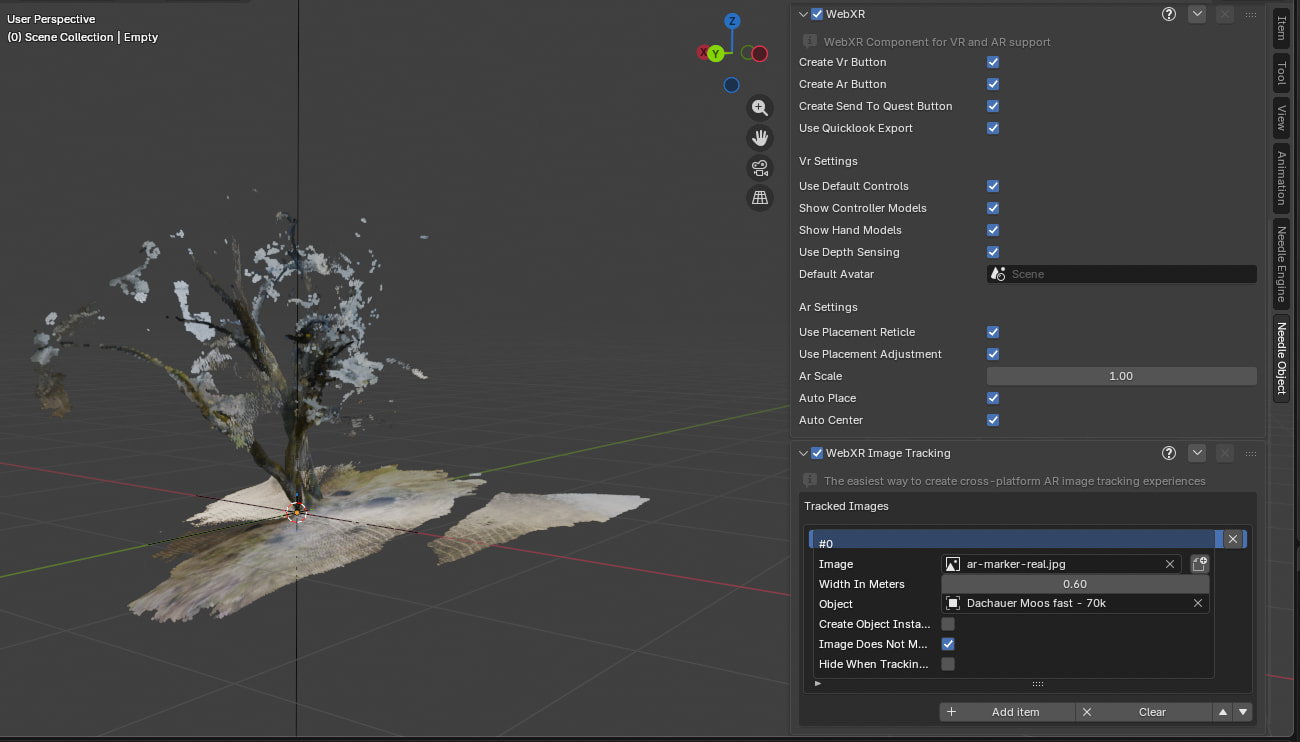
The point cloud was modified using Geometry Nodes in Blender. For the AR setup, we are using the WebXR component and the Image Tracking component. Both Needle components are attached to an Empty in the Blender scene.
Our goal is to view the point cloud on both iOS and Android mobile devices.
At the moment, we are seeing the following issue on iOS Safari:
When we open the project and enter AR for the first time using the “Enter AR” button, the point cloud is not placed on the image marker. If we exit the AR session and start AR again, everything works correctly and the point cloud appears on the marker.
Is this generally the correct setup for image tracking with a point cloud? Could this be related to the initialization order, loading time, Geometry Nodes, or the way the components are attached to the Empty?
Any ideas or recommendations would be greatly appreciated.
The most likely cause is a race condition on first load: the point cloud geometry or marker image hasn’t finished loading before the AR session starts, so tracking finds nothing to attach to. On reload, everything is cached and ready.
Fix: Make sure the marker image URL is fully loaded (e.g., preload it in your scene) and that the object field in trackedImages points to a child GameObject of the WebXRImageTracking component. If your point cloud is generated via Geometry Nodes, export it as a single .glb with the transform applied – Blender’s GN modifier must be applied or the mesh must be a static asset.
Also try setting imageDoesNotMove = true for better stability, and ensure the component is on a persistent empty (not instantiated late). If the issue persists, share a deployed URL – we can inspect the console for timing errors.
1 replies left - Become PRO for more replies.
Reply to this post directly if you need further help (bottom right button)
Hi, thanks for asking - I’ll need a bit more info to help:
- On iOS Safari I suppose you’re opening the AppClip for AR, is that correct? (e.g. a Start AR card shows on device when you enter)
- Could you share a link to the live website? It would probably be easiest do have a look at the setup there directly and see if it reproduces locally.
- Could you share a link to the image marker as well?
Empty nodes with components are no issue, also the order of those in the Blender scene shouldnt make a difference in this case. It might truly be a loading issue as the AI suggested but I would need to try it first.
Do you see the same issue on Android as well?
Hi, thank you for the quick reply!
Yes, on iOS the App Clip opens when we press the “Enter AR” button.
Here is the link to the live website:
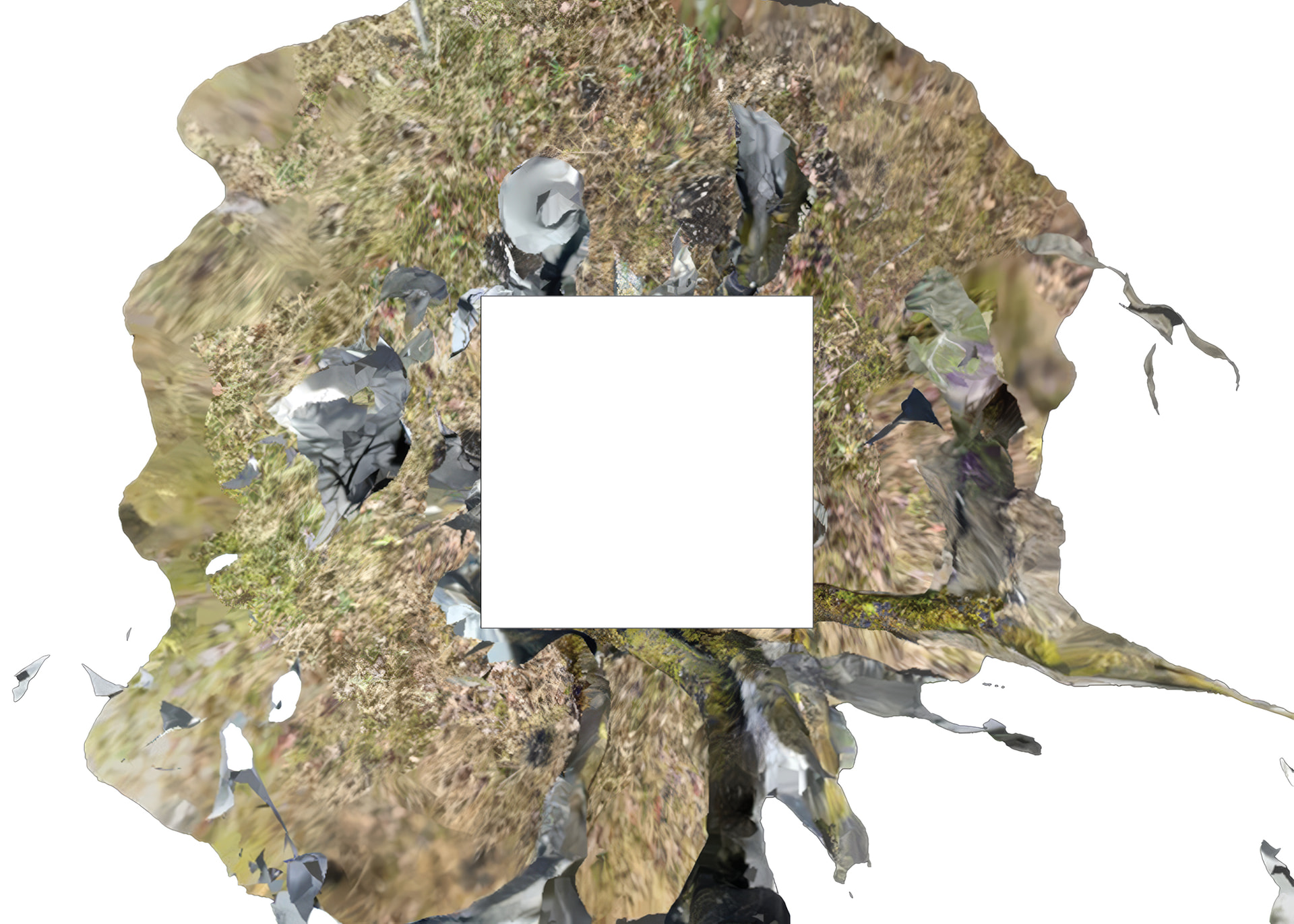
I’ve also attached the image marker to this post.
We haven’t tested the setup on Android yet.
Thanks again for taking a look!
Thanks you for the files. It seems to be related to when images were loaded/cached and something we need to fix in the next update - it should be available in the beginning of next week.
For completeness: Which Blender version are you currently using + which Needle Engine addon version?
Hi Timo,
We’ve just published a new version of Needle Engine that has a fix for WebXR image tracking on iOS: Releases & Changelogs - #206 by needle-bot and submitted an update to the AppClip (Needle Go) to Apple which should be available within the next 24-48 hours. The AppClip will automatically update when it’s available on your device but I’ll also make sure to update this post here when we got confirmation from Apple.
Both of these updates combined should fix the issue with image tracking requiring a second start.
We’ll also update Blender with the latest version of Needle Engine later today so you can simply update your Blender addon version.
Hi Marcel,
I will update my stuff and test it. Thank you for your time and help!
Hello Timo,
The new Needle Go app version is available now (according to Apple it can still take up to 24 hours to become available for everyone and update but it did already update on my device) and image tracking worked on the first try with your image.
There seems to be a different issue now sometimes when entering AR a second time which we will look in to.
Let me know if you got any feedback!
Hello Timo, did you get a chance yet to try out the latest Blender Addon version which has the required fixes? (Note that at the time of your reply the required versions were not available yet)
Hey Marcel,
Sorry for my late reply.
We updated needle and tested it. It worked most of the time on first Load.
Thank you!
So we did some changes and now we are really happy.
The actual Projects runs on: https://dachau-punktwolke-z2h0phv1kc7fx-vino5.needle.run
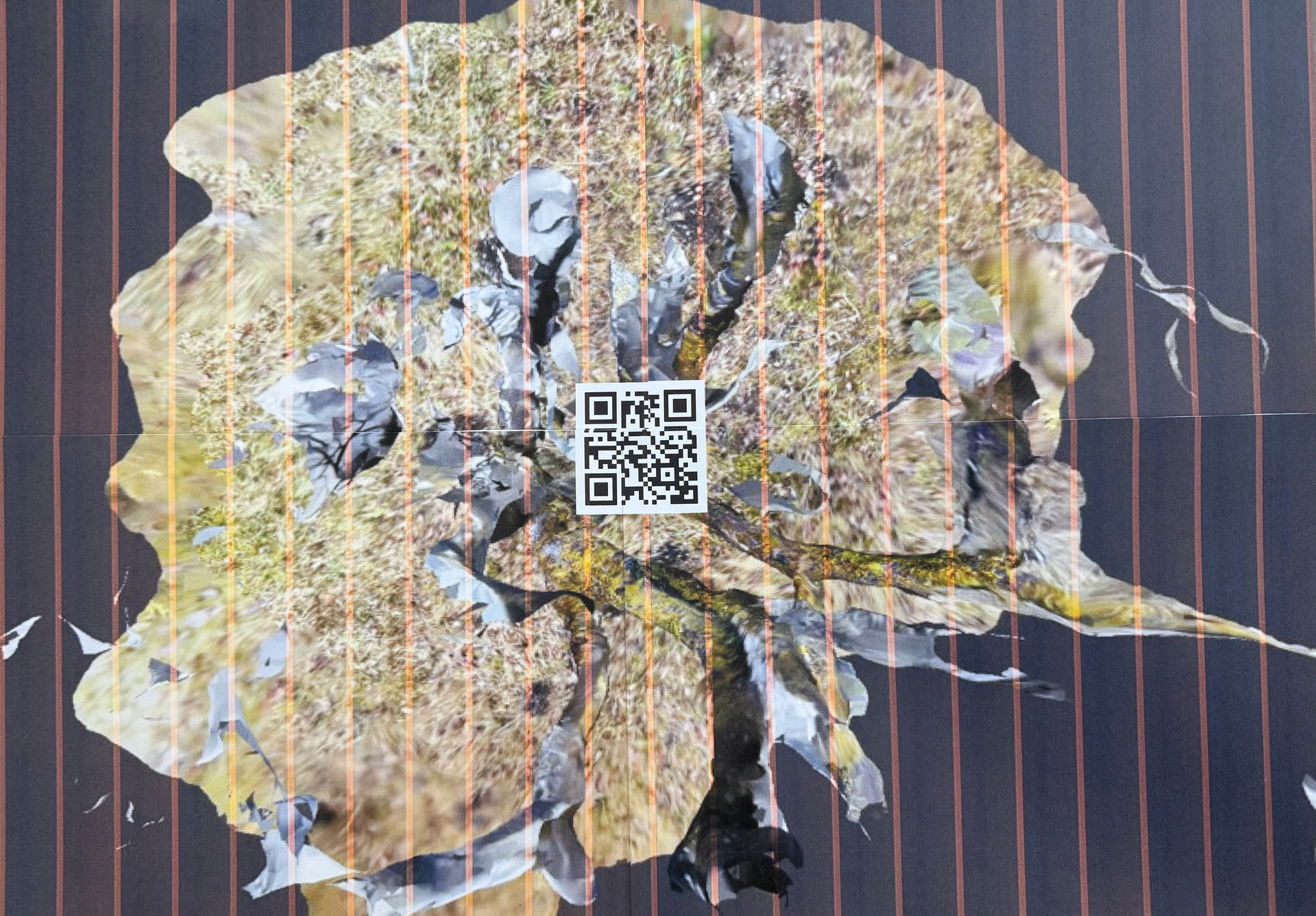
The new ImageMarker:
Thank you again for the great support!
 Thanks for your patience.