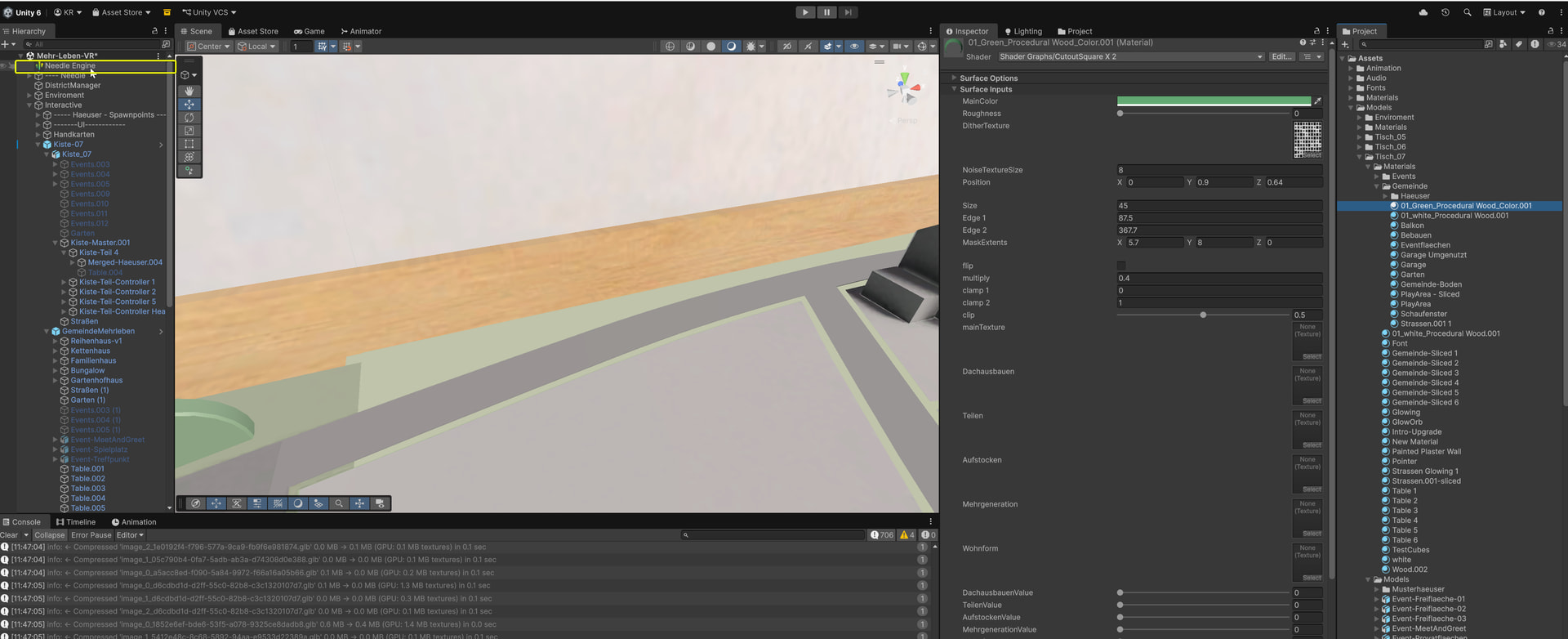
Me and my colleague noticed that sometimes the Custom Shader Settings are missing/not shown in the Unity Editor. We are working on the same project, same Unity version - he has this option and I dont see them in my Editor. My colleague says it also accured to him at some points that Custom Shader Settings disappeared. Is it a bug or are there settings to make them visible again?
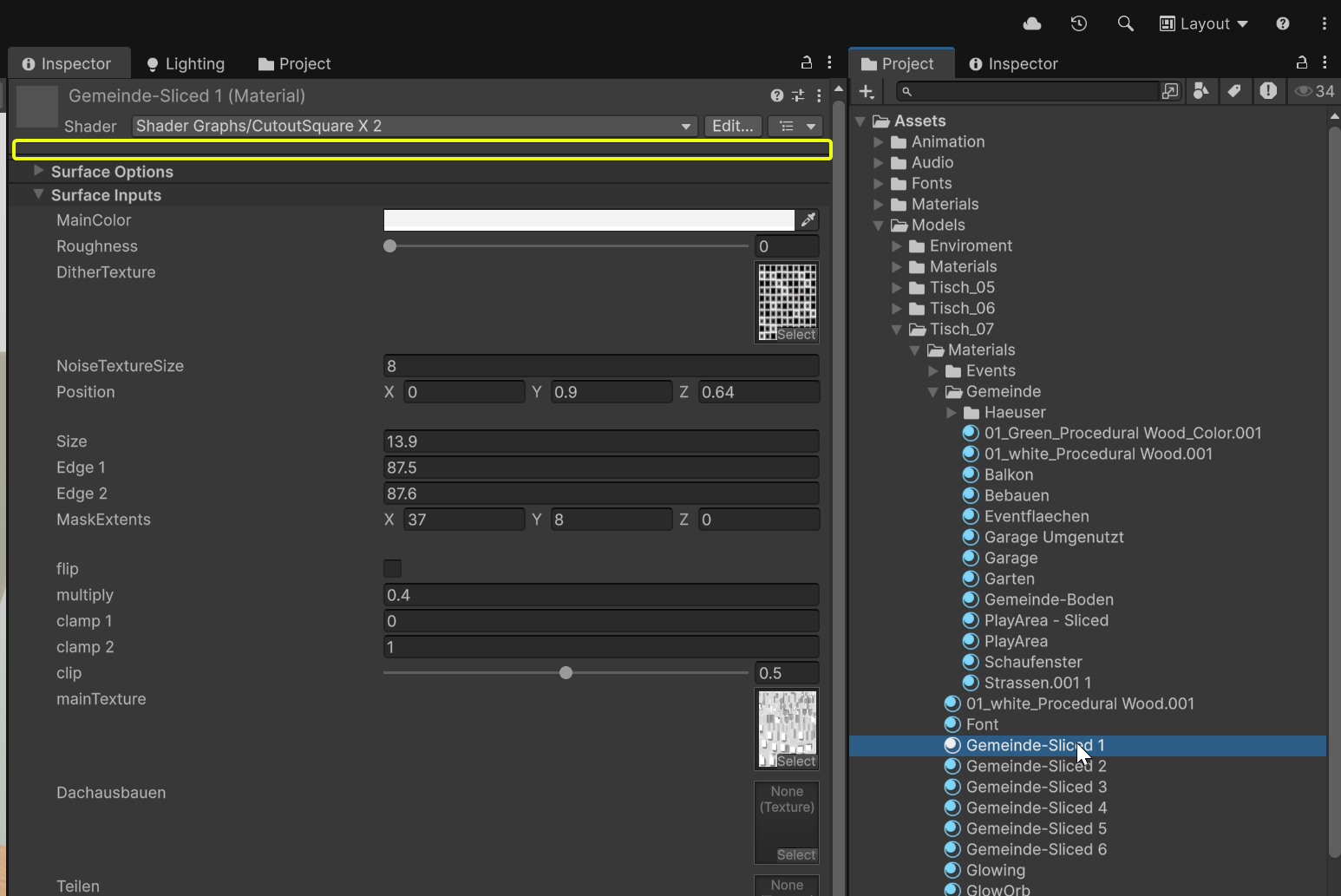
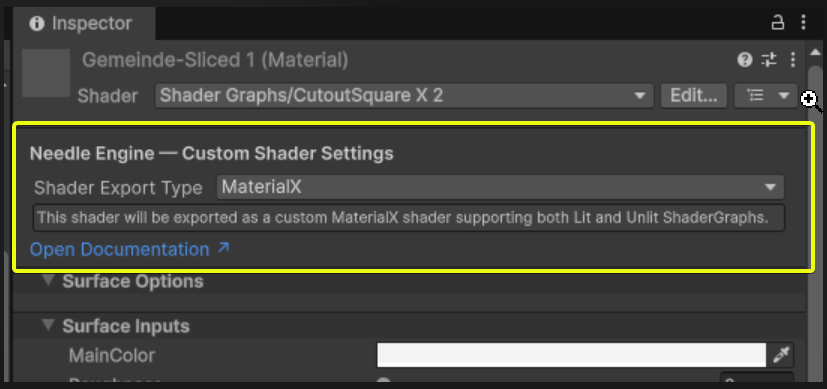
I’m sorry, I couldn’t find a response but notified the team 
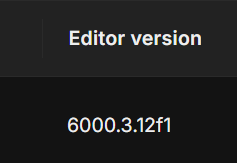
Hi Katja, can you share the Unity and Needle Engine versions?
Do you perhaps have multiple Unity inspectors open in your project?
Hey Katja,
you need an active scene with the Needle Engine Project Exporter component attached to a GameObject in it. Otherwise, the Needle Engine-specific options won’t show up.
If they’re still missing after that, it’s likely a bug.

Multiple Inspector support was added in one of the previous versions.
But still, is a Scene with the Needle Engine Project Exporter component open when you have this issue?
@Robert_Dorn Yes, it happens in our normal working scene with Needle Engine Project Exporter