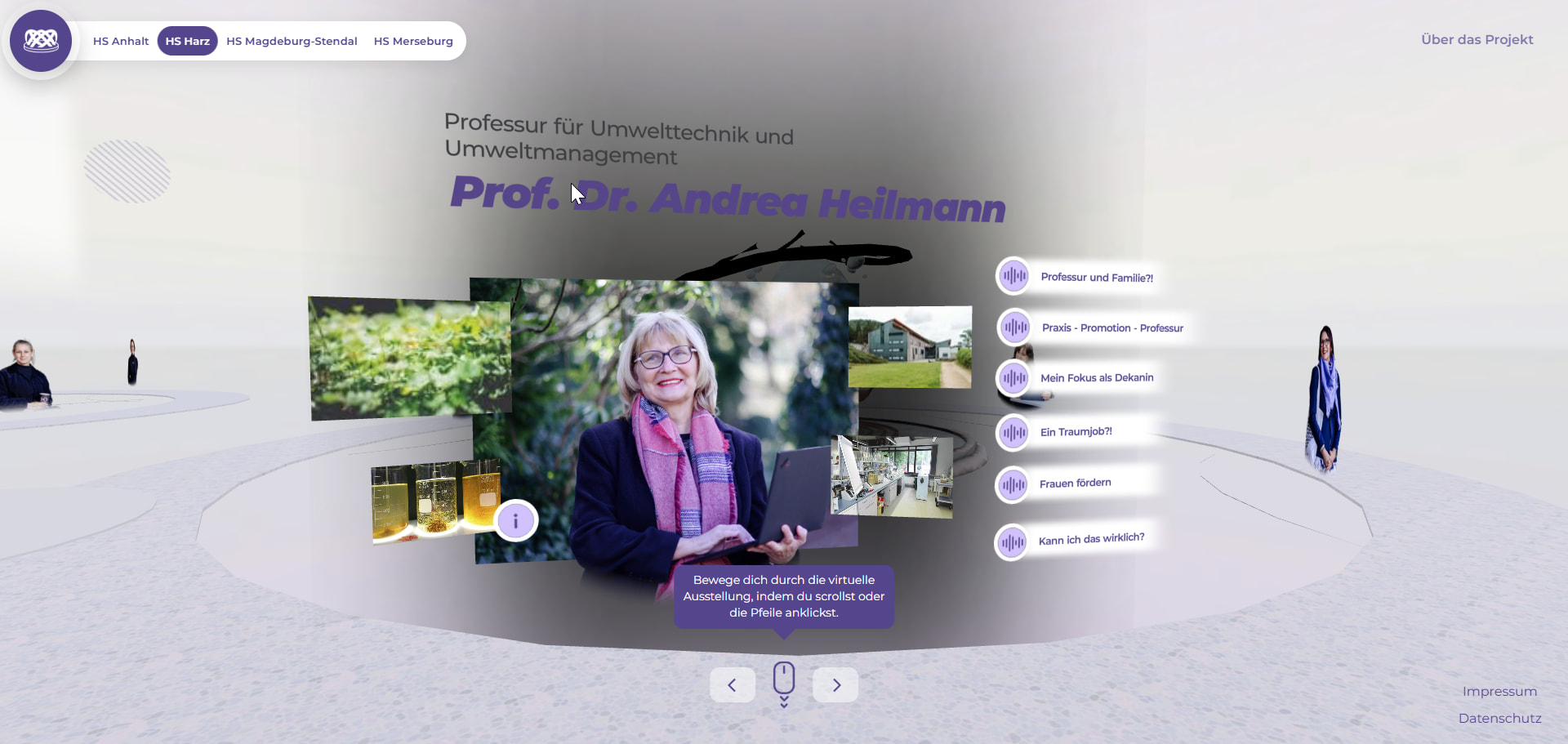
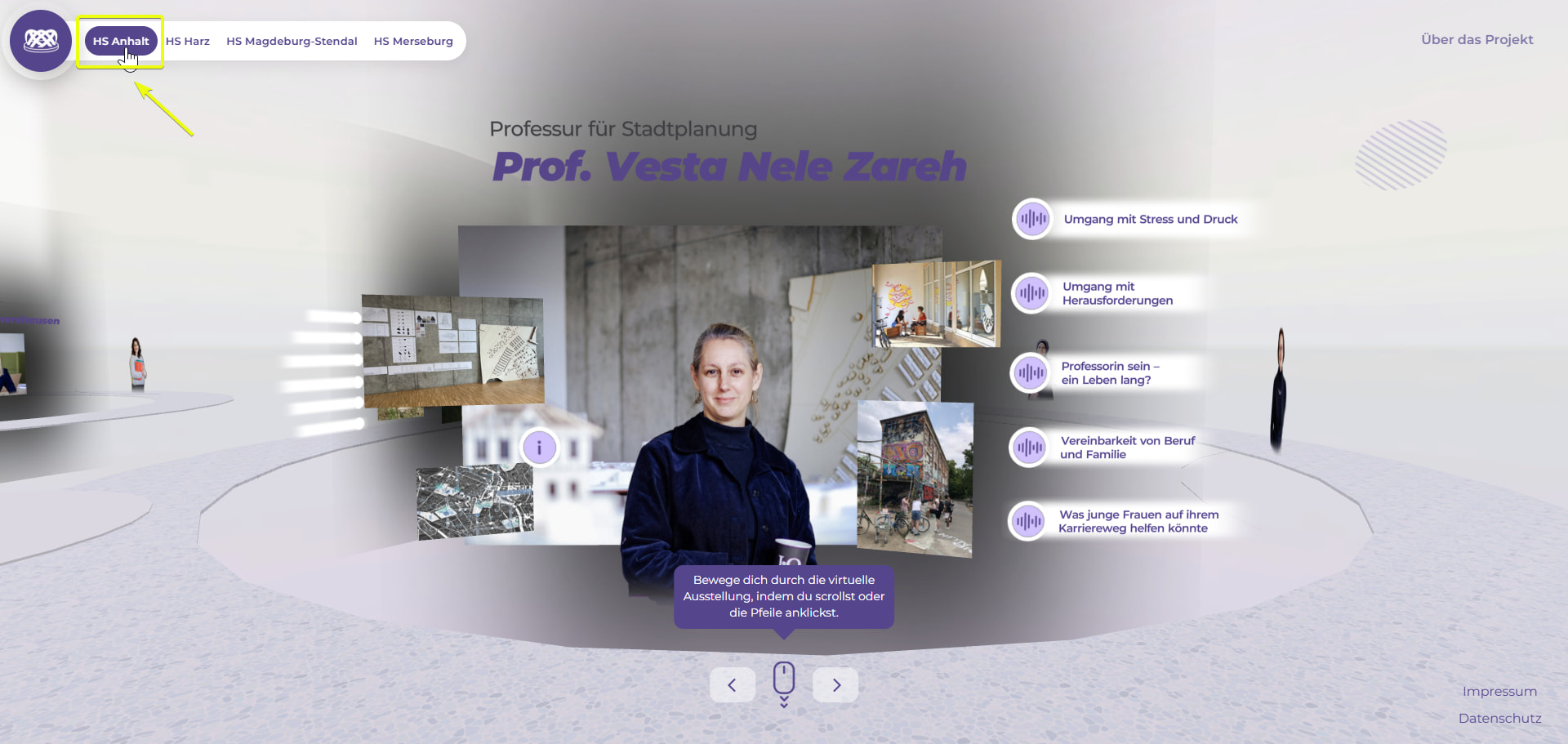
I upgraded my project to the newest needle version and it exports some unlit materials as lit marerials (thats why the background is suddenly black (because of the reflection value) which my unlit materials obviousley didnt have.
After some time figuring out why it is happening i just set the material to lit and changed the reflection value, but I wanted to report this bug to you.
Your Unity materials being exported as “Lit” instead of “Unlit” is likely caused by a version mismatch between your Unity project and the latest Needle Engine package — the exporter changed how it maps Unity’s unlit shaders in newer releases.
Try this: check your Needle Engine package version and the UnityGLTF version you have installed. If they’re out of sync (e.g., a newer engine with an older UnityGLTF), update both to the same release line. Since the exported page shows the black background from reflection values, my best guess is the export is correctly reading your materials but misinterpreting their surface type due to the version gap.
If updating doesn’t fix it, please send a bug report via Unity’s “Needle Engine/Report a Bug” menu so the devs can see your exact setup. Share your deployed URL too if you can.
Sources: Needle Engine Docs (57%), Needle Engine Docs (56%), Needle Engine Docs (54%), Needle Engine Docs (53%)
4 replies left
Reply to this post directly if you need further help (bottom right button)
Hey Katja.
You said on “some unlit materials”, so have you some more informations about on which circumstances this happen? Also which Renderpipeline in Unity and which Needle Engine version exactly? Or in best case, can you summit a bug report with a project?
I can’t see any issue in your current live version.
@Robert_Dorn i will try to submit it tommorow. for my understanding - if you click this button (see screenshot) and see one of the persons, is the background behind the person black(with transparency) like in my screenshot or white?
If you open the project with needle inspector and select one of the “curved_wall” objects, you should see that the material is not unlit